


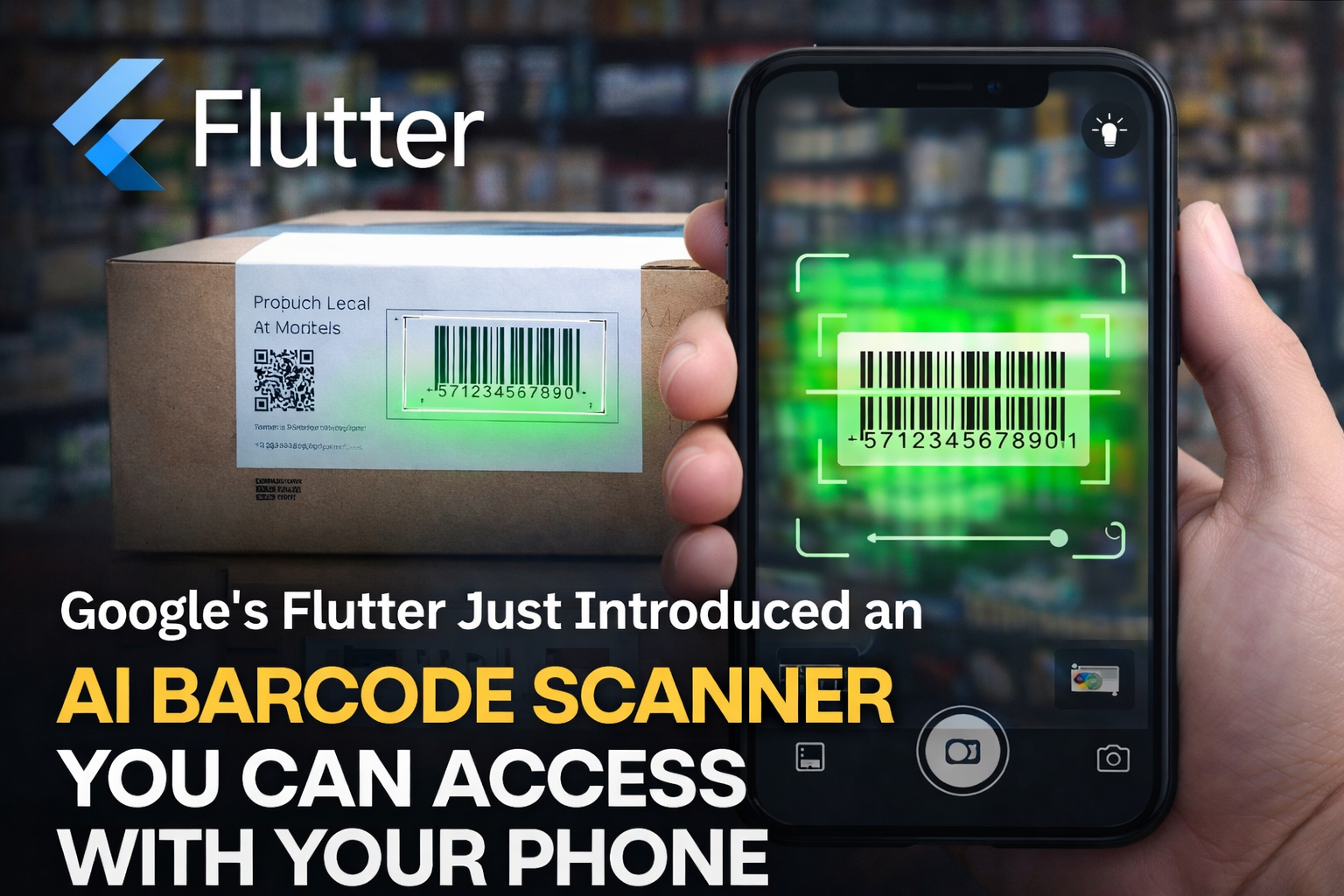
Flutter Just Made Barcode Scanning Smarter — And Your Phone Does the Work
Remember the old days of scanning barcodes with your phone?
You’d open the scanner…
Point the camera…
Move the phone closer… then further away…
Tilt it slightly… turn on the flashlight…
And still, nothing.
For users, it felt like a mini workout. For developers building apps with Flutter, it wasn’t much easier either. Creating a reliable barcode scanner meant dealing with camera permissions, hardware quirks, scanning libraries, and complicated detection logic.
But things are starting to change, and fast.
A new Flutter package called ai_barcode_scanner is quietly transforming how mobile apps scan barcodes and QR codes. Instead of clunky scanners and complicated setups, developers can now integrate AI-powered barcode detection into their apps in just a few minutes.
Your Phone Camera Just Became a Smarter Scanner
At its core, the ai_barcode_scanner package is designed to make barcode scanning feel natural.
Open the scanner.
Point your phone.
The code is detected almost instantly.
No awkward camera positioning. No guessing where the barcode should go.
That means developers don’t need to reinvent the wheel. The heavy lifting—image processing, detection, and decoding—is already handled.
All they need to do is plug it into their app.
Developers Don’t Have to Build the Scanner Interface Anymore
Another big headache developers used to face was building the scanning screen itself.
The camera preview. The scanning frame. The visual feedback when a code is detected.
All of that required extra work.
The ai_barcode_scanner package solves this by providing a ready-to-use scanning interface that developers can customise.
The overlay, the box that guides users where to place the barcode, can be styled however the developer wants.
Want corner frames instead of a full box?
Different colours?
Animated feedback when a scan succeeds?
All of that can be configured easily.
When the scanner detects a valid barcode, the overlay can glow green. If something fails validation, it can turn red.
It’s a small touch, but it dramatically improves the user experience.
Why This Matters for the Future of Apps
Barcodes and QR codes are everywhere.
From restaurant menus and concert tickets to warehouse logistics and product authentication, scanning codes has become part of daily digital life.
But the experience has often lagged behind modern app design.
Tools like ai_barcode_scanner show how AI and computer vision are quietly improving everyday interactions, making them faster, smoother, and more intuitive.
And for Flutter developers, the future of barcode scanning might now be as simple as dropping in a single widget.
Your phone camera does the rest.




 Explore