


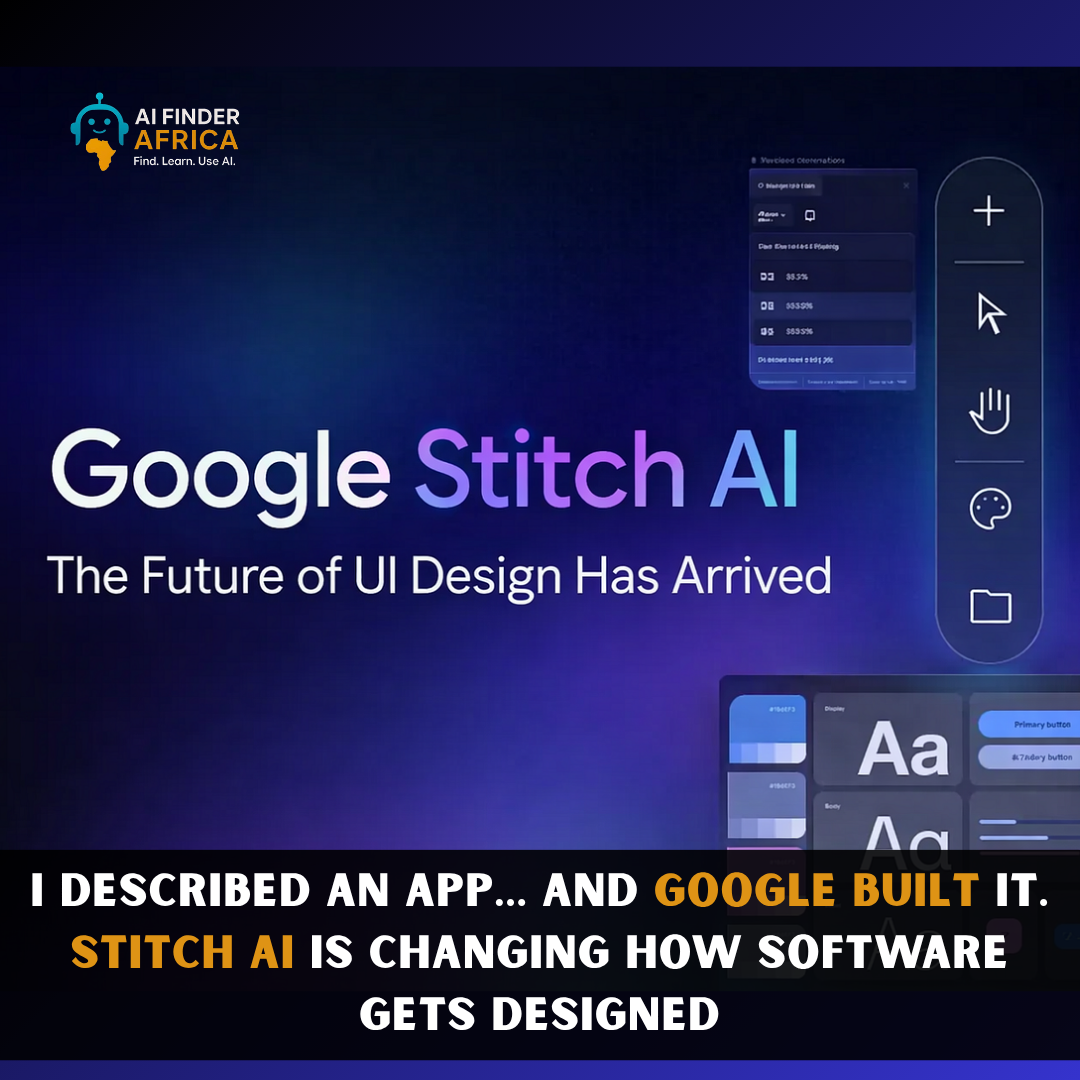
This Google-built app, Stitch AI Is Changing How Software Gets Designed
Imagine opening your laptop, typing: “Create a clean fintech app with dark mode and charts”
…and within seconds, you’re staring at a fully designed interface, buttons, layout, screens, everything.
No Figma. No coding. No stress.
That’s exactly what Google Stitch is doing right now, and it’s quickly becoming one of the most talked-about AI tools in tech.
So, what is Stitch AI (and why is everyone talking about it)?
Launched by Google as part of its experimental AI push, Stitch is essentially an AI-powered UI designer + frontend generator.
But here’s the twist: It doesn’t just help you design.
It builds your app interface for you from a simple idea. Instead of dragging components manually, Stitch lets you:
- Describe your app in plain English
- Upload sketches or screenshots
- Even talk to it (yes, voice commands)
…and it turns all of that into real UI designs + usable frontend code in minutes
What it actually does (this is where it gets interesting)
Let’s break down what Stitch AI can really do:
1. Turns ideas into actual app designs
You type something like: “A fitness app with progress tracking and a clean dashboard”
Stitch generates:
- Layout
- UI components
- Color scheme
- Structure
All instantly.
2. Converts sketches into real interfaces
Got a rough drawing? Screenshot? Wireframe?
Upload it, and Stitch transforms it into a polished, editable UI design
3. Generates frontend code (yes, actual code)
This is where it crosses into developer territory. It doesn’t stop at design; it also outputs:
- HTML/CSS
- UI structure ready for development
Meaning you go from idea → working interface in one step
4. You can literally talk to it
With its new “vibe design” update, you can:
- Give voice instructions
- Ask for changes
- Get feedback in real time
It feels less like software… and more like collaborating with a designer
5. Infinite canvas + AI assistant
You’re not stuck in one screen. Stitch gives you:
- A flexible design space
- AI suggestions
- Auto-generated user flows
So your idea can grow into a full product, not just a mockup.
Who is this actually for?
This is where Stitch gets dangerously powerful.
Designers: Rapid prototyping, idea exploration, faster iteration.
Developers: Skip manual UI building, get instant frontend code, and focus on backend logic.
Founders & startups: Turn ideas into demos instantly. Build MVPs without full teams.
Beginners (this is huge): No design or coding experience? You can still create apps, dashboards, and websites.
That’s a massive shift.
Why people are calling it a “big deal”
Let’s be real, AI tools drop every week.
But Stitch feels different.
1. It merges design + development into one step
Traditionally, designers design, developers build.
Now? It happens at the same time
2. It removes the biggest bottleneck: starting
Most people don’t build apps because they don’t know design; they don’t know code.
Stitch removes both barriers.
3. It’s insanely fast
What used to take days or weeks now takes minutes.
And in today’s world, speed = advantage.
But let’s be honest… it’s not perfect
Some early reviews point out that:
- It can feel like a mockup generator, not a full product builder
- Maintaining consistency across complex projects can be tricky
- It might create “generic-looking” designs if overused
So no, it’s not replacing designers (yet). But it is changing how they work.
Final verdict: hype or real shift?
Here’s the truth:
Stitch AI isn’t just a tool, it’s a new way of building software.
It turns:
- Ideas → interfaces
- Words → working designs
- Beginners → creators
And while it’s still evolving, one thing is clear:
The gap between “I have an idea” and “I built something” is disappearing fast.


 Explore