


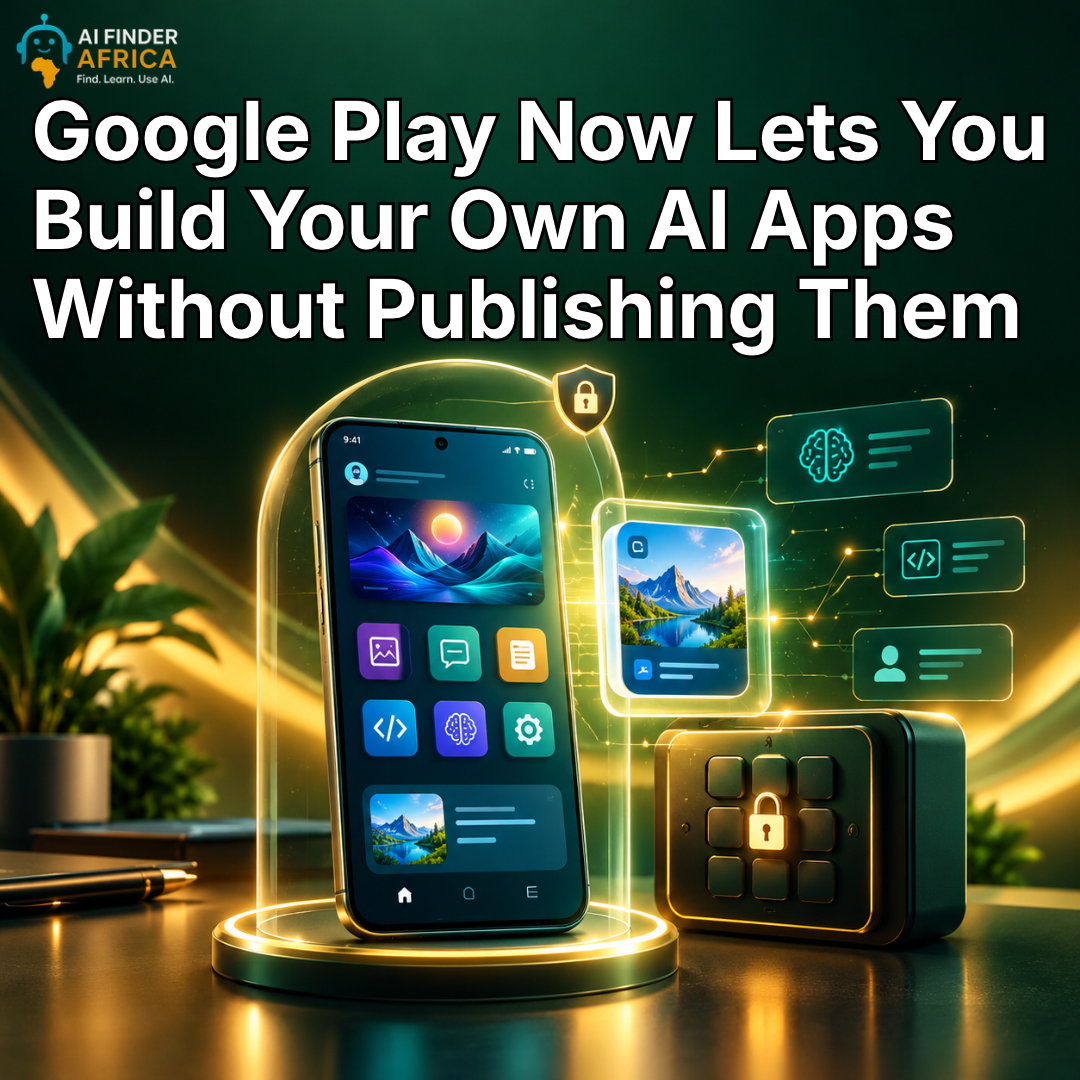
Google Play Now Lets You Build Your Own AI Apps Without Publishing Them
Google Play Now Lets You Build Your Own AI Apps Without Publishing Them
What if you could create an Android app for your personal needs without hiring a developer, paying for a developer account, or making the app available to millions of strangers?
Google is making that possible.
On October 13, 2026, Google announced a new Google Play feature that lets people create personalized Android apps with AI and install them on their own devices without publishing them publicly on the Play Store.
The idea is simple: you no longer need to build an app for everyone. You can build one just for yourself.
The feature is part of Google's wider effort to make app creation easier as AI tools allow more people to turn ideas into working software, even without traditional coding experience. Here is how it works and why it could change the way people think about building apps.
You can now create an app just for yourself
Imagine you need a simple app to track your daily spending, organize your study schedule, manage your fashion orders or plan your content calendar. You search the Play Store, but the apps you find are either too complicated, too expensive or missing the features you actually need.
Previously, creating a custom Android app could mean learning to code, hiring a developer or using an AI tool and navigating the process of installing or publishing the finished app. Google wants to make that process easier.
With its new feature, you can use Google AI Studio to create a custom Android app through AI-assisted development, then launch it on your own device through Google Play. Your app goes into a private personal library. It does not appear in public Play Store search results or listings, and other people cannot access it by default.
You also do not need a Google Play developer account just to launch your personal app.
That means an app can be useful to you without needing to become a public product.
How does it work?
The process begins with an idea, not a blank code editor.
Google AI Studio already allows users to describe the Android app they want and use AI to help generate the code. The new Google Play feature provides a simpler way to move from that creation process to running the app on a personal Android device.
Here is the basic workflow:
Step 1: Describe your idea. Tell Google AI Studio what you want the app to do, including its features and how you want it to look.
Step 2: Let AI help build it. AI Studio generates the Android app, which you can refine by requesting changes and testing the result.
Step 3: Launch it privately. Use the new Google Play process to install and manage the personal app on your device without first publishing it to the public store.
Step 4: Improve it as you go. If you discover that a feature is missing or something needs to change, you can return to your project and continue refining it.
This is often called vibe coding: describing what you want in ordinary language and using AI to help build the software.
It does not mean every app will work perfectly on the first attempt. More complicated projects still require testing, debugging, and attention to security. But it lowers the barrier between having an idea and trying it out.
What kinds of apps could you build?
The most useful applications may be the small tools that solve everyday problems.
For example, a fashion designer could create an order tracker to record customers, measurements, fabric choices, deadlines and payment status.
A digital marketer could build a campaign-planning tool to organize content ideas, track advertising tasks and record performance notes. A student could create a revision planner to organize topics, study sessions, and practice quizzes. A small business owner could build a basic inventory tool to monitor stock, sales and items that need restocking. You could even create a personal habit tracker, meal planner, or event organizer.
These are examples of what the feature could enable, rather than a guarantee that AI will produce a complete, reliable app without further work.
The real advantage is customization. Instead of adapting your workflow to an existing app, you can start with your own requirements and build around them.
Your personal app will not automatically become public
Privacy is a major part of this announcement.
Google says personal apps created through this process remain separate from the public Play Store catalogue. They are intended for the creator's own use, rather than immediate distribution to everyone. Google also plans to let users share their personal apps with a small circle of trusted friends and family in the coming months.
That could make the feature useful for more than individual projects. Someone might create a shared family planner, a tool for a small community group or a simple app for coordinating an event. If an app becomes popular and the creator wants to distribute it publicly, Google says there will be a path to move towards professional publishing.
At that stage, the creator will need a developer account, and the app will have to meet the same relevant quality and Trust & Safety requirements as other public Play Store apps.
There is an important distinction here: private distribution is not the same as public publishing, and creators should not assume that every private app has passed the same review process as a publicly listed app.
Google is changing more than app creation
The announcement is part of a broader set of changes coming to Google Play. Google is also improving how people discover apps and games.
Its Ask Play feature is being expanded to help users ask questions and compare apps, including highlighting differences and user sentiment.
Google is also introducing Game Finder, a discovery feature designed to recommend games based on personal tastes and gaming interests.
Together, these changes point towards a Play Store that does more than list software created by other people. It is becoming a place where users can discover apps, get AI-assisted recommendations and, increasingly, create software for themselves.
For developers, that could mean new opportunities to experiment and eventually turn useful personal projects into public products. For users, it could mean fewer compromises when existing apps do not quite meet their needs.
Is the feature available everywhere?
Not yet.
Google says the personal-app launch feature is beginning to roll out in select markets, including the United States, for users aged 18 and older. That means availability depends on location and rollout status. It should not be assumed that every Android user can access it immediately.
Google has also said that private sharing with a small group of people and the process for moving a personal app into public distribution will expand in the coming months. If the feature is not visible in your account or region, it may not have reached you yet.



 Explore