


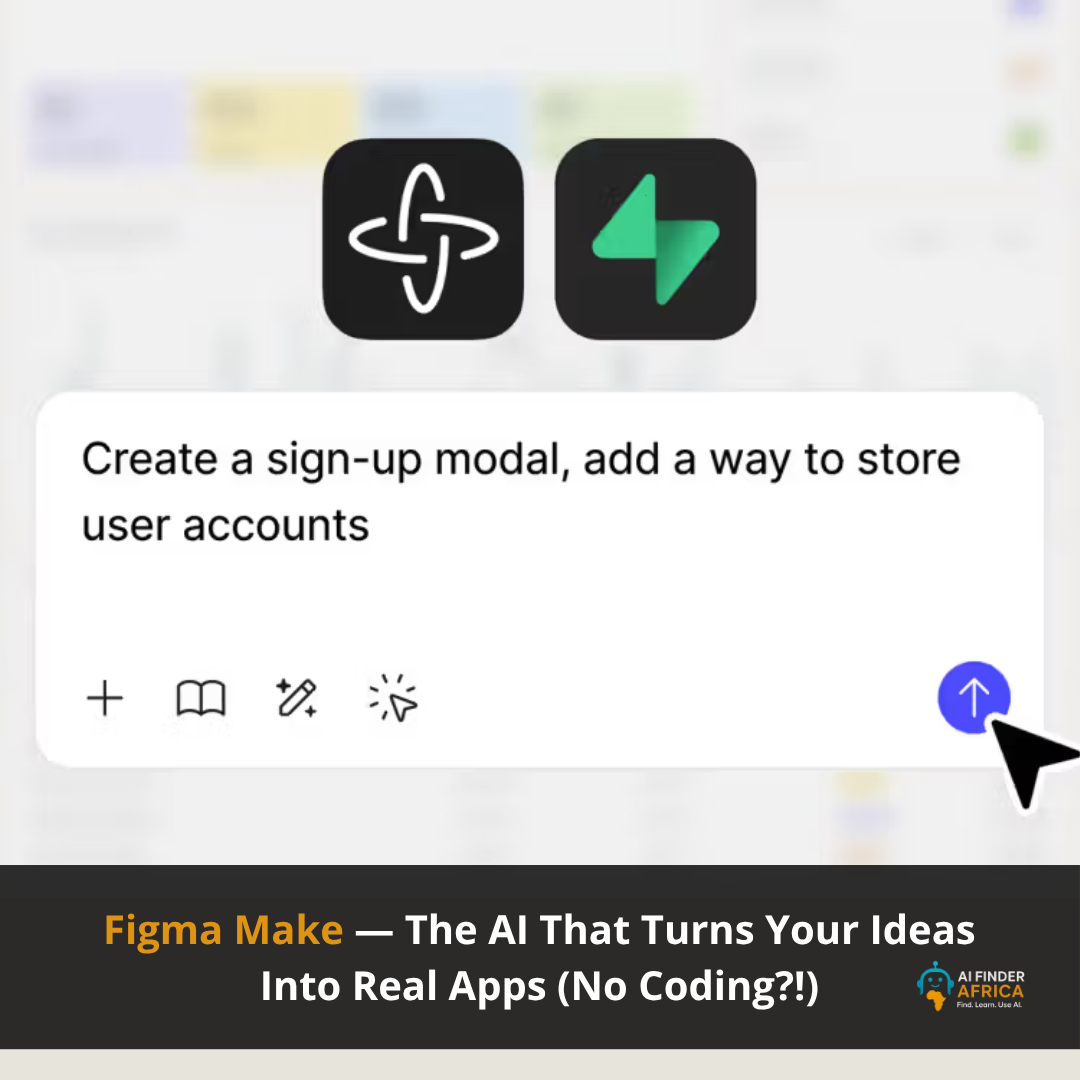
Figma Make — The AI That Turns Your Ideas Into Real Apps (No Coding?!)
Let's be real for a second…
Every designer (and even non-designers) has had that moment:
“I have an idea… but I don’t know how to build it.”
Now imagine typing that idea like a WhatsApp message…
…and boom, you get a working app.
That’s exactly what Figma Make does.
And honestly? It’s kind of wild.
First—What is Figma Make?
At its core, Figma Make is an AI-powered “prompt-to-app” tool.
You describe what you want, and it:
- Designs the interface
- Adds interactions
- Generates actual working code
- Turns it into a functional prototype or web app
All inside Figma. No switching tools. No coding required.
Think of it like: ChatGPT + UI design + frontend development… in one place.
What it ACTUALLY does (this is where it gets interesting)
This isn’t just “AI that makes pretty screens.”
It goes deeper.
1. Turns ideas into real, interactive apps
You can literally type: “Create a finance dashboard with charts and transactions”
And it builds: Layout, UI components, and Logic (buttons, flows, interactions).
Not just a mockup, something you can click and use.
2. Converts designs into working code
Already designed something in Figma?
Drop it in → and it becomes a functional product with real behaviour.
Even better: It can generate React code, and you can tweak it visually or through prompts.
3. You “talk” to your design
This is the crazy part.
There’s a chat interface where you can say things like: “Make this button bigger”, “Change this to dark mode”, “Add a login system”
…and it updates instantly.
4. Can connect to real backend systems
It’s not just front-end vibes.
You can hook it up to tools like databases (e.g., Supabase) to: Store user data, add authentication, and make your app feel real.
5. You can publish it like a real product
Once you’re done?
You can literally:
Publish your app to the web
Share it with a link
Even use a custom domain
Who is this actually for?
This is where Figma Make shines.
Designers
- Turn static UI into interactive prototypes instantly
- Test ideas faster without waiting for developers
Developers
- Skip repetitive UI building
- Generate starter code and refine
Product Managers
- Turn ideas into demos for stakeholders
- Validate concepts quickly
Founders & Creators
- Build MVPs without hiring a full team
- Go from idea → product in hours
Beginners (YES, even you)
You don’t need coding skills.
Just: Think. Describe. Build
Why Figma Make is actually GOOD (and not just hype)
1. Speed is insane
What used to take:
- Days (design)
- Weeks (development)
Now takes… minutes.
2. It removes the “blank page problem”
You’re never starting from zero again.
Just prompt → and refine.
3. Iteration becomes addictive
You can generate 10 ideas in minutes.
That’s why many designers use it for rapid ideation before polishing in full design mode.
4. It bridges design + development
This is the biggest deal.
Instead of:
Designer → Developer → Back-and-forth chaos
You get:
One flow
One tool
One output
5. It fits perfectly into the Figma ecosystem
It works with:
- Figma Design
- FigJam
- Figma Sites
So you’re not learning a whole new tool.
But let’s be honest (the downsides)
No tool is perfect.
- It’s still better for prototypes than full production apps
- You may need to refine outputs manually
- Advanced logic can still require real dev work
Basically:
It gets you 80% there FAST
The last 20% still needs human touch
Final Verdict: Is it worth it?
Simple answer?
Yes. Especially right now.
Because Figma Make isn’t just another AI feature…
It’s part of a bigger shift: The line between “idea” and “product” is disappearing.
And tools like this?
They’re making sure anyone can build.



 Explore